Set up the Dagster project
To confirm everything works:
Run
dagster devfrom the directorydagster_university/dagster_and_dbt.Navigate to the Dagster UI (
http://localhost:3000) in your browser.Open the asset graph by clicking Catalog (or Assets in older versions) in the left sidebar, then click View global asset lineage. Confirm the asset graph you see matches the graph below.
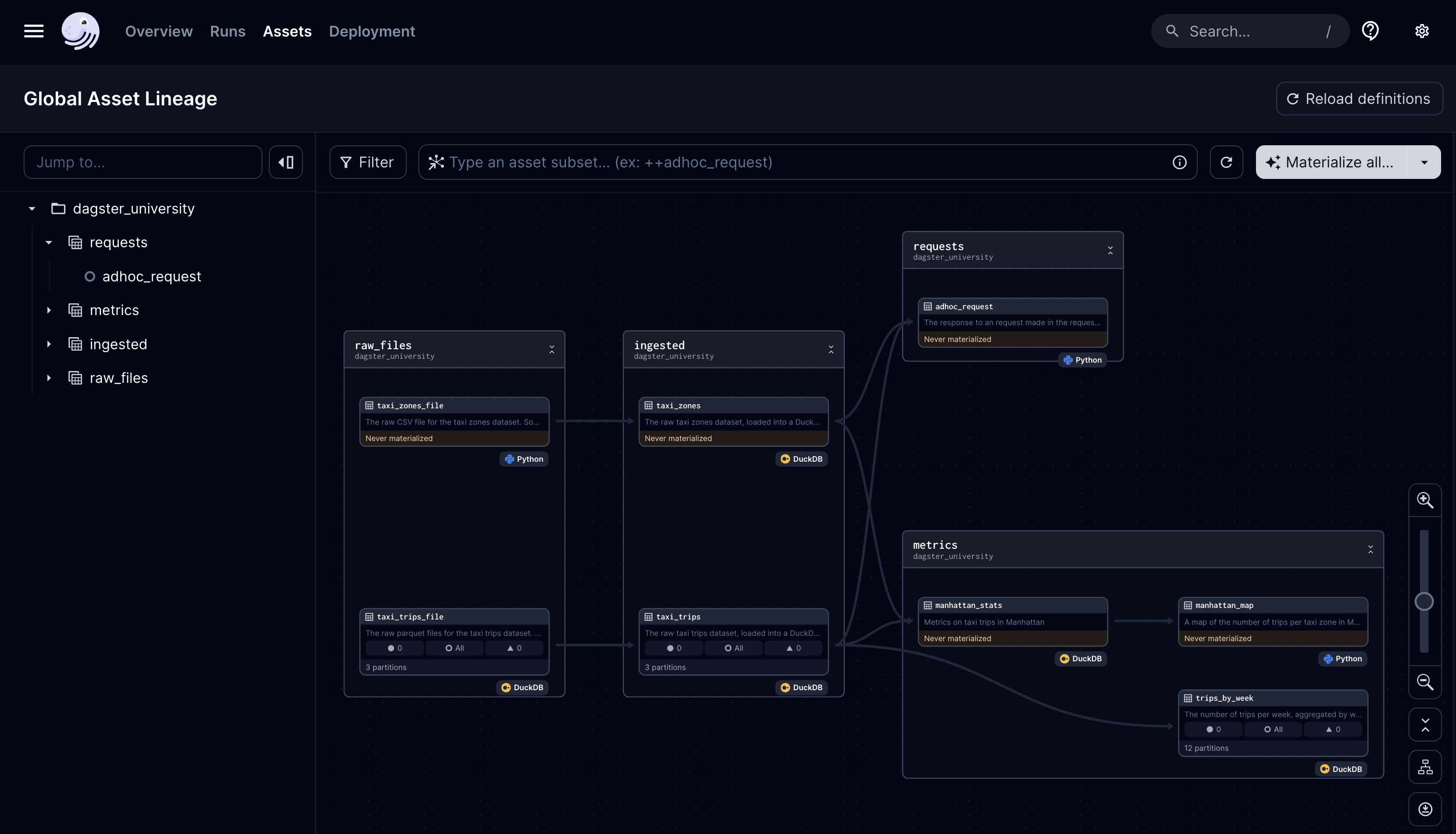
Let's confirm that you can materialize these assets by:
- Navigating to Overview > Jobs
- Clicking on the
trip_update_jobjob and then Materialize all.... - When prompted to select a partition, materialize the most recent one (
2023-03-01). It will start a run/backfill and your assets should materialize successfully.