Create a new project (with the skill)
Before you start, open your AI coding agent in an empty folder where you want the project to live. The agent will scaffold the university/ directory inside it. If you followed along in Lesson 2 and created a university/ project there, delete that folder first — Lesson 4 creates a fresh one with the skill active.
We’ll start by using the same prompts as before but now we will use the dagster-expert skill. Our goal is the same, scaffold a project and add three assets that load CSVs into DuckDB, but with skill-driven behavior and dg at the center.
Scaffold the project with the skill
Use the skill-prefixed prompt:
/dagster-expert create a new Dagster project called university
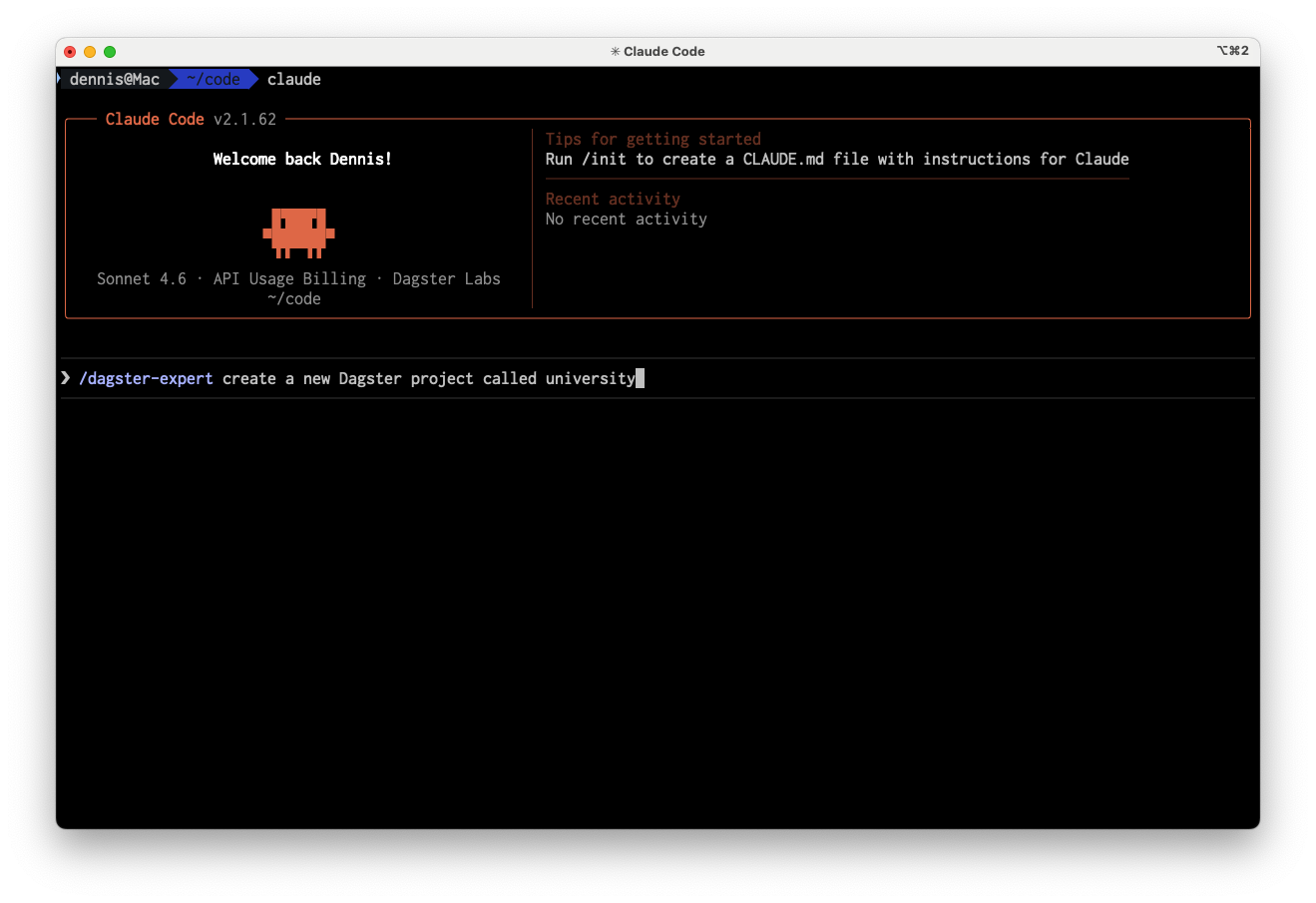
With the skill, the agent uses the latest recommended project creation command. This time around we can see that it uses the project creation CLI:
uvx create-dagster project university --uv-sync
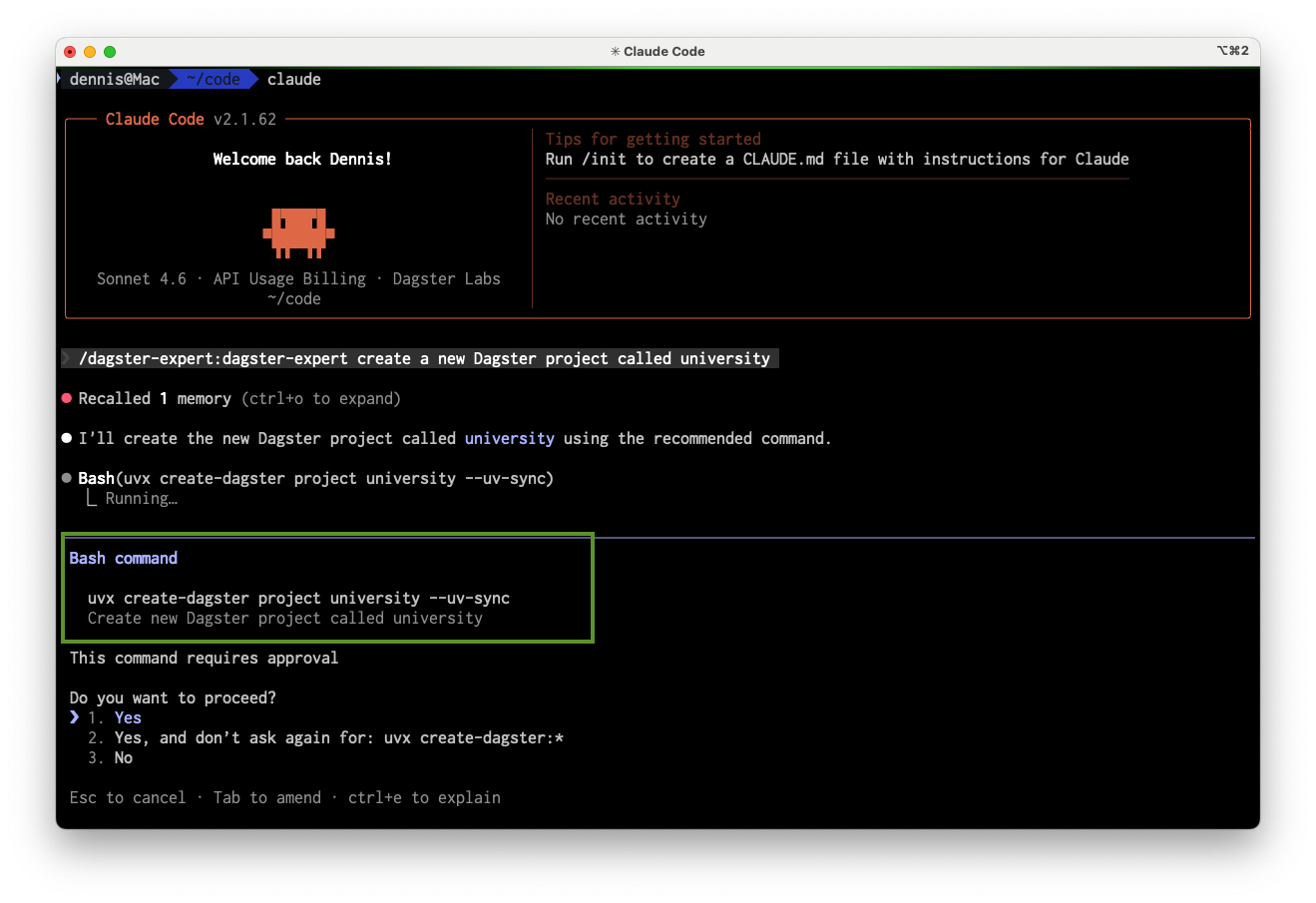
This time you will get a modern layout (e.g. src/university/, pyproject.toml, uv) instead of the older dagster project scaffold flat layout that was inferred by the agent.
tree university/src/university
├── __init__.py
├── definitions.py
└── defs
    ├── __init__.py
    ├── assets
    │   └── raw_data.py
    └── resources.py
At first glance the result may look similar to a new project created without the skill but the structure and tooling are the ones Dagster recommends today. And using dg this way will help ensure that our subsequent steps can be executed within the context of a structured Dagster project.
Add the three assets with the skill
Next we'll ask for the same three assets with dagster-expert.
/dagster-expert create 3 assets in the university Dagster project that load data into DuckDB tables for the following external files:

https://raw.githubusercontent.com/dbt-labs/jaffle-shop-classic/refs/heads/main/seeds/raw_customers.csv
https://raw.githubusercontent.com/dbt-labs/jaffle-shop-classic/refs/heads/main/seeds/raw_orders.csv
https://raw.githubusercontent.com/dbt-labs/jaffle-shop-classic/refs/heads/main/seeds/raw_payments.csv
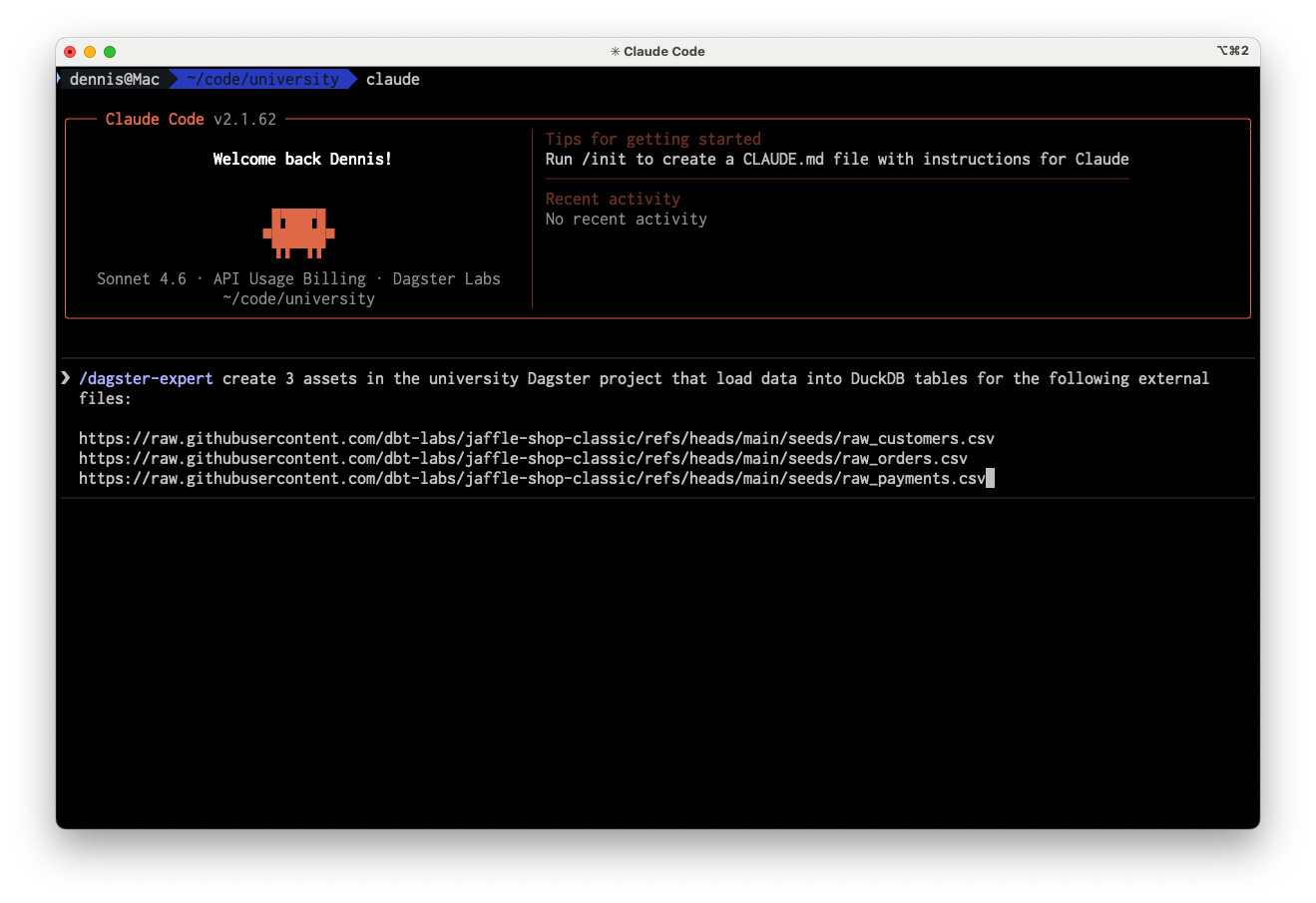
The skill again steers the agent toward dg and our opinionated project layout from the first step. Instead of simply writing code based on guesses, the agent will perform a series of CLI commands to solve the primary issues of the prompt:
- Dependency management
- Scaffolding and business Logic
- Validation
Dependencies: the agent sees that DuckDB is needed and adds it via the project’s package manager, e.g. Dagster works with any package manager, but by default
dgand Dagster useuvfor dependency management. This solves one of the primary hurdles of Python development and its cryptic and varied way to handle package management.uv add dagster-duckdb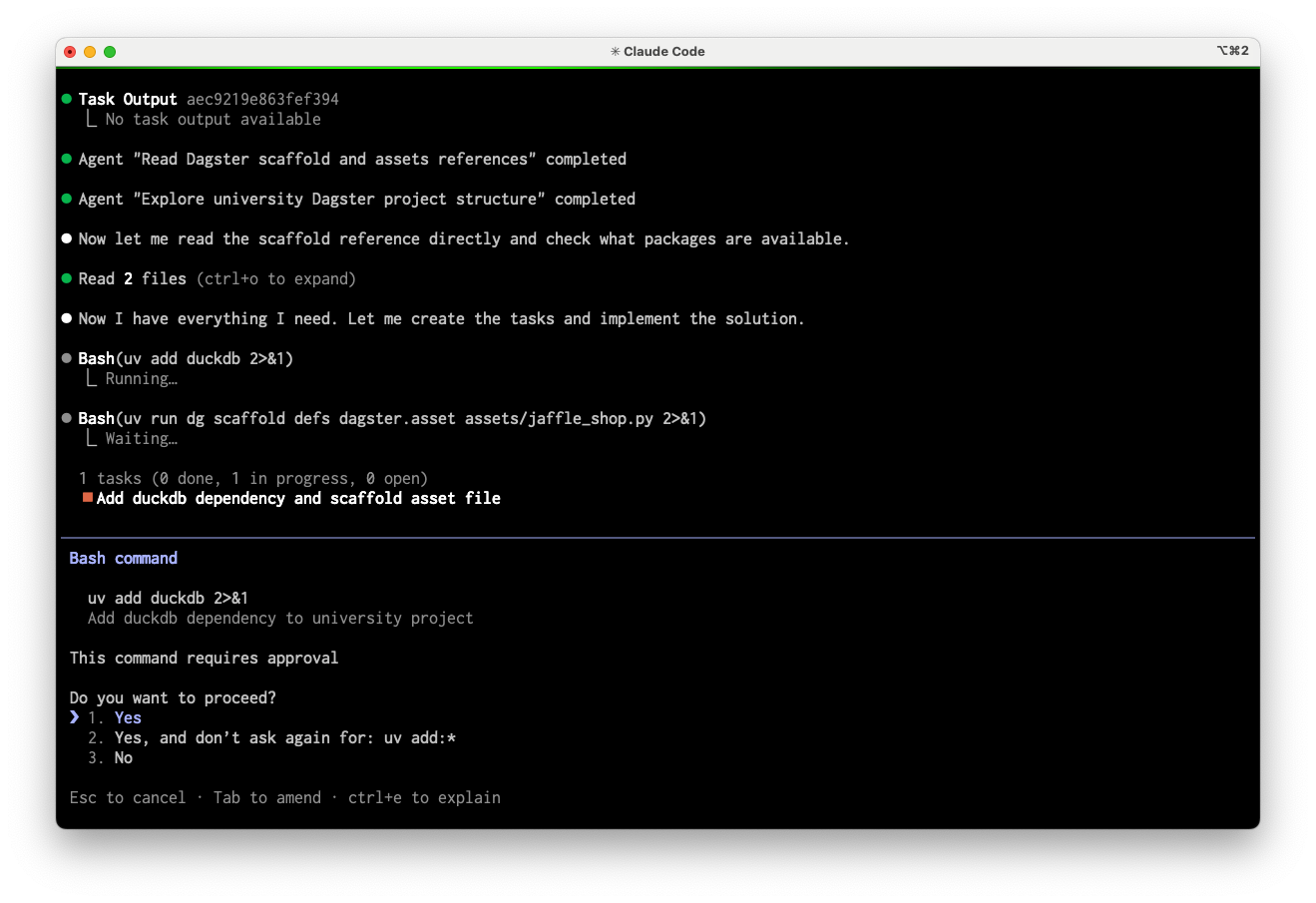
Scaffolding and Business Logic: after the dependencies are set, the agent can scaffold the additional files necessary. Instead of inventing file locations, the agent uses
dgso files land where the project expects:dg scaffold defs dagster.asset assets/raw_data.py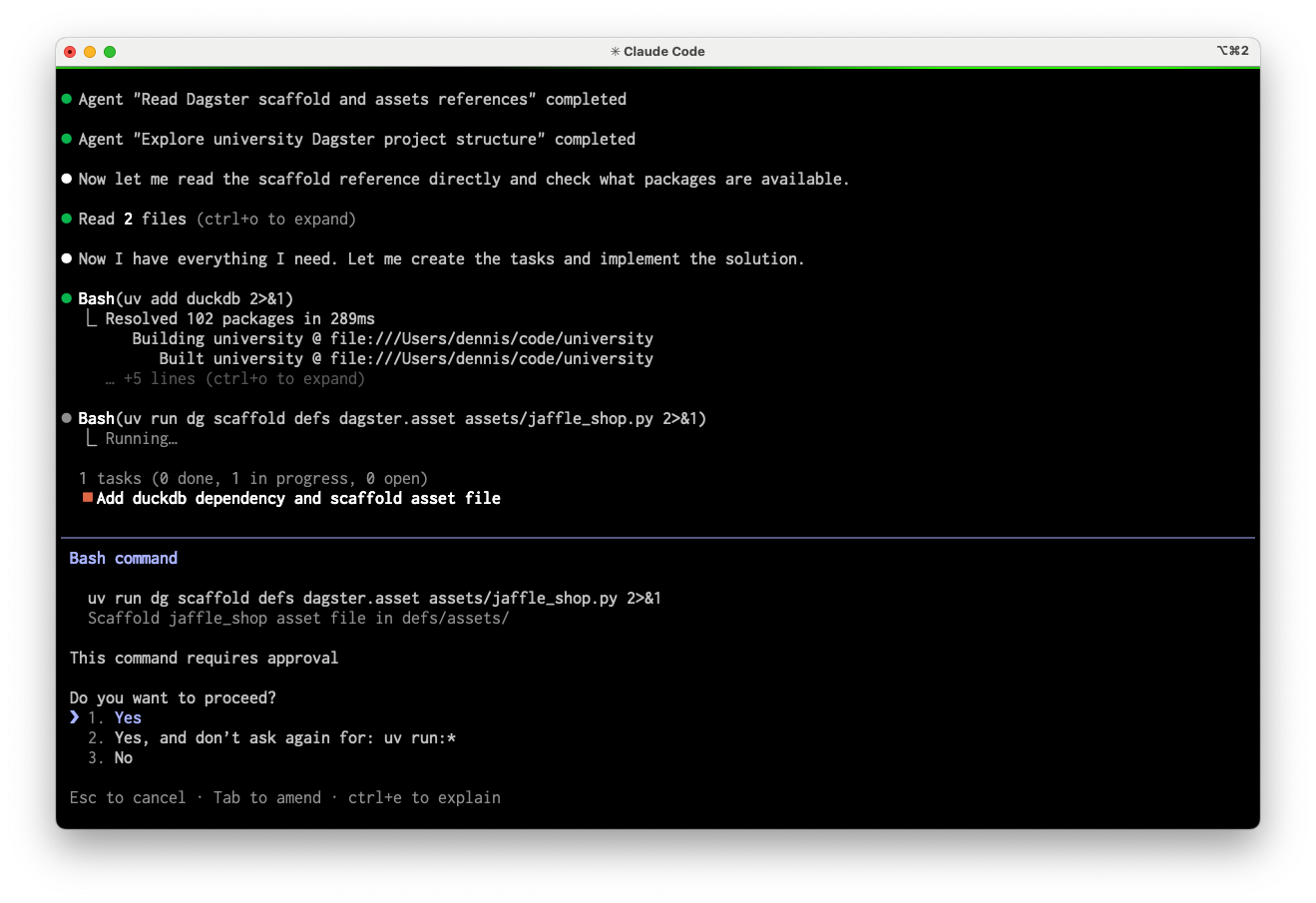
That keeps definitions in the right place and reduces the context the agent needs to guess. It can then add code specific to our prompt here and only here. This makes it much easier to verify for the agent and for the developers.
Validation: finally after editing, the agent can confirm that definitions load and are valid (without running business logic):
dg check defs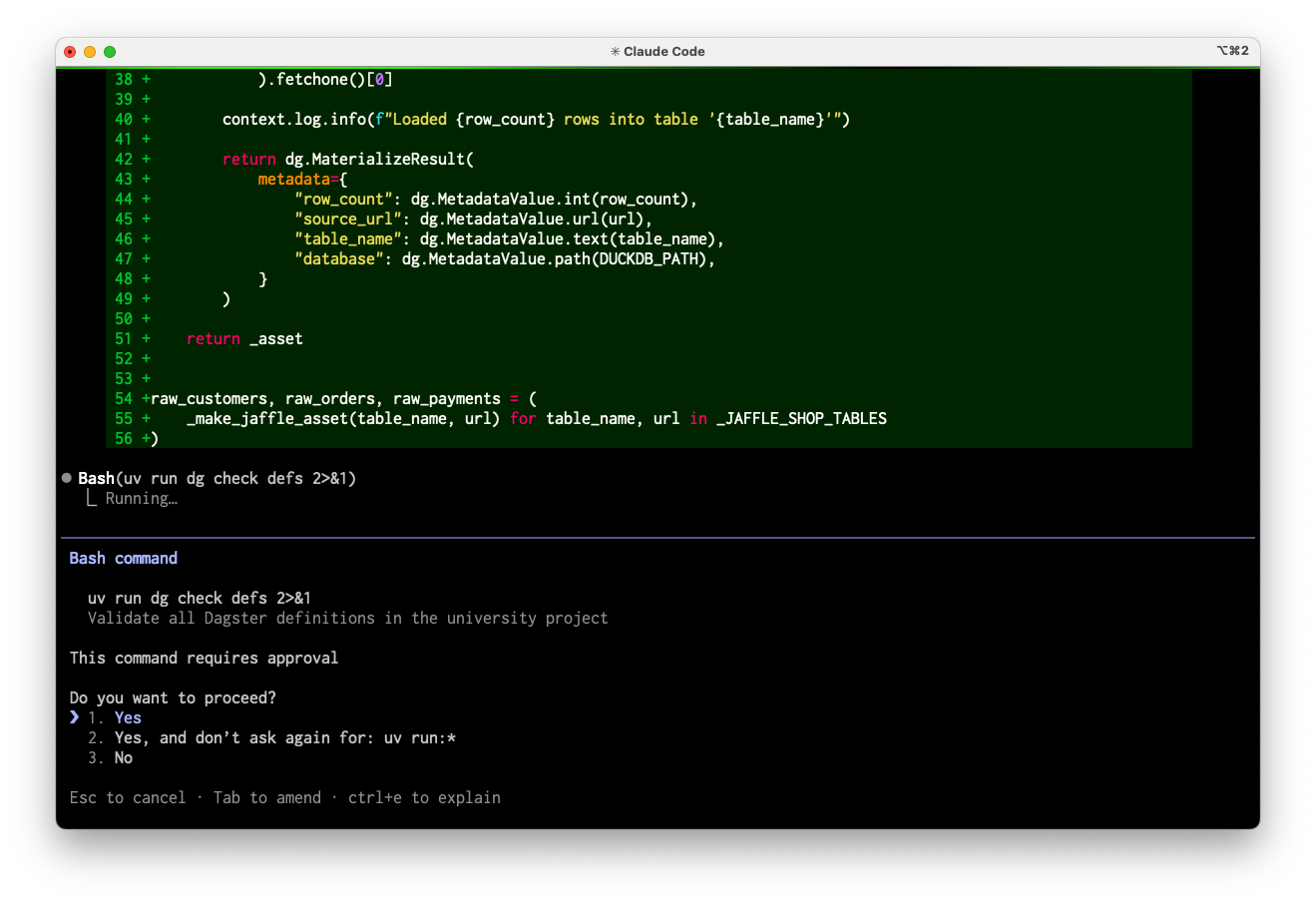
These checks are fast and inexpensive. This makes it easier to do larger changes in small, verifiable steps and provide a much easier feedback loop for the agent.
Your agent may use a different validation command, such as
uv run dg list defs. If it does, ask it explicitly to rundg check defs-- that command is the most reliable way to confirm definitions load correctly.
How this works with skills
But how is the skill influencing all of this? Since skills are structured documents that explain how work should be accomplished, we can find this bit of information within the skill library (skills/dagster-expert/skills/dagster-expert/references/project-structure.md)
## Creating and Scaffolding Projects

Use the `dg` CLI to create projects and scaffold Dagster objects. For detailed scaffolding commands and options, see the [CLI scaffold reference](./cli/scaffold.md).

**Quick reference:**

# Create new project
uvx create-dagster my_project

# Scaffold objects (see dg skill for full details)
dg scaffold defs dagster.asset assets/new_asset.py

# Validate and run
dg check defs
dg dev
This minimal amount of additional context provides the agent with the correct order of steps. Notice what the agent doesn't have to load: no full schema, no API docs, no project layout docs. Each command returns a compact response: an exit code and a few lines of output. This is the CLI efficiency discussed earlier and why CLIs provide such a good interface for AI workflows. The agent gets exactly what it needs, when it needs it, rather than pulling in broad context upfront.
Resulting layout
After scaffolding and adding the three assets with the skill, the project might look like:
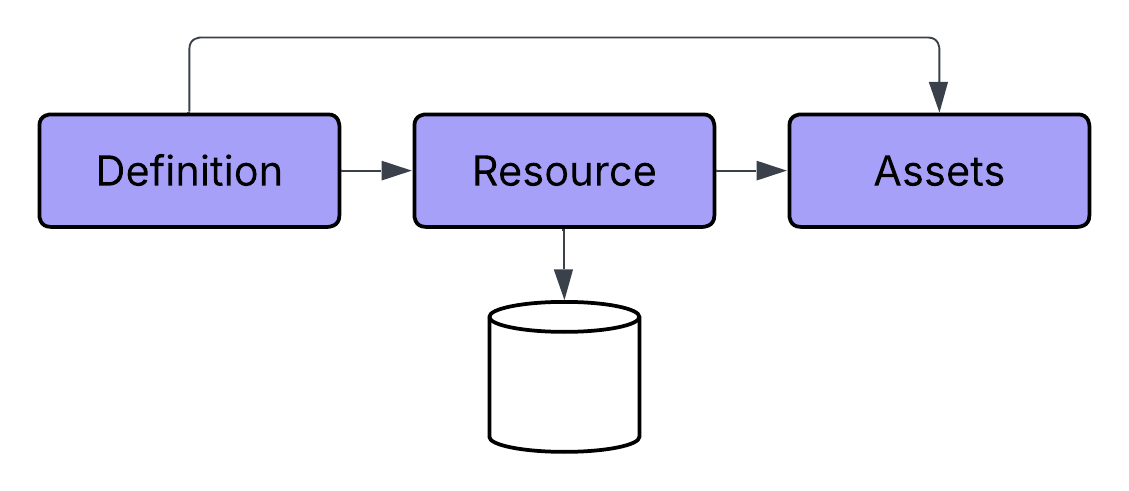
So you get a defs-based layout: assets under defs/assets/, shared resources in defs/resources.py, and a single definitions.py that wires everything together. This matches how dg and the Dagster Expert skill expect a project to be structured and makes it easier to add more assets, jobs, and schedules later.